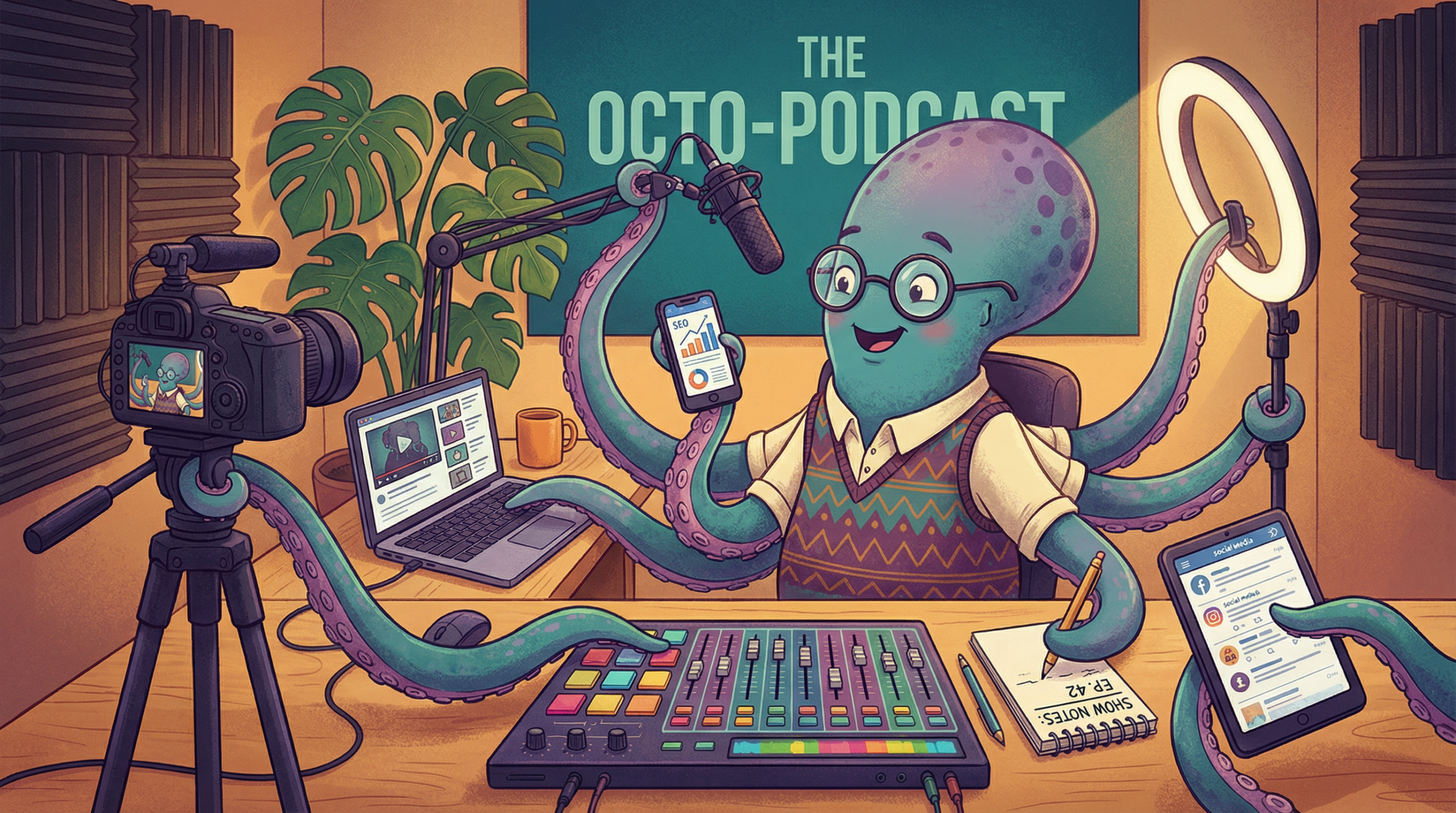
If you are still producing your podcast the same way you did in 2023, you are working too hard. The podcasting landscape has fundamentally shifted, and the creators who are scaling their shows—and their revenue—are doing so by integrating Artificial Intelligence into every single stage of their workflow.
This isn’t about replacing the human element of podcasting. It is about removing the friction. A proper AI podcast production workflow allows you to spend 90% of your time on creative strategy and interviewing, and only 10% on the tedious mechanics of production and promotion.
Whether you are an independent creator trying to avoid burnout or an enterprise producer looking to scale output, this guide breaks down the complete end-to-end AI podcast production workflow for 2026. We will cover the exact tools you need for planning, pre-production, production, post-production, and marketing.
Stage 1: Planning Your AI Podcast Production Workflow
The biggest mistake podcasters make with AI is waiting until the editing phase to use it. AI is arguably most powerful when you are staring at a blank page.
Topic Ideation and Keyword Research
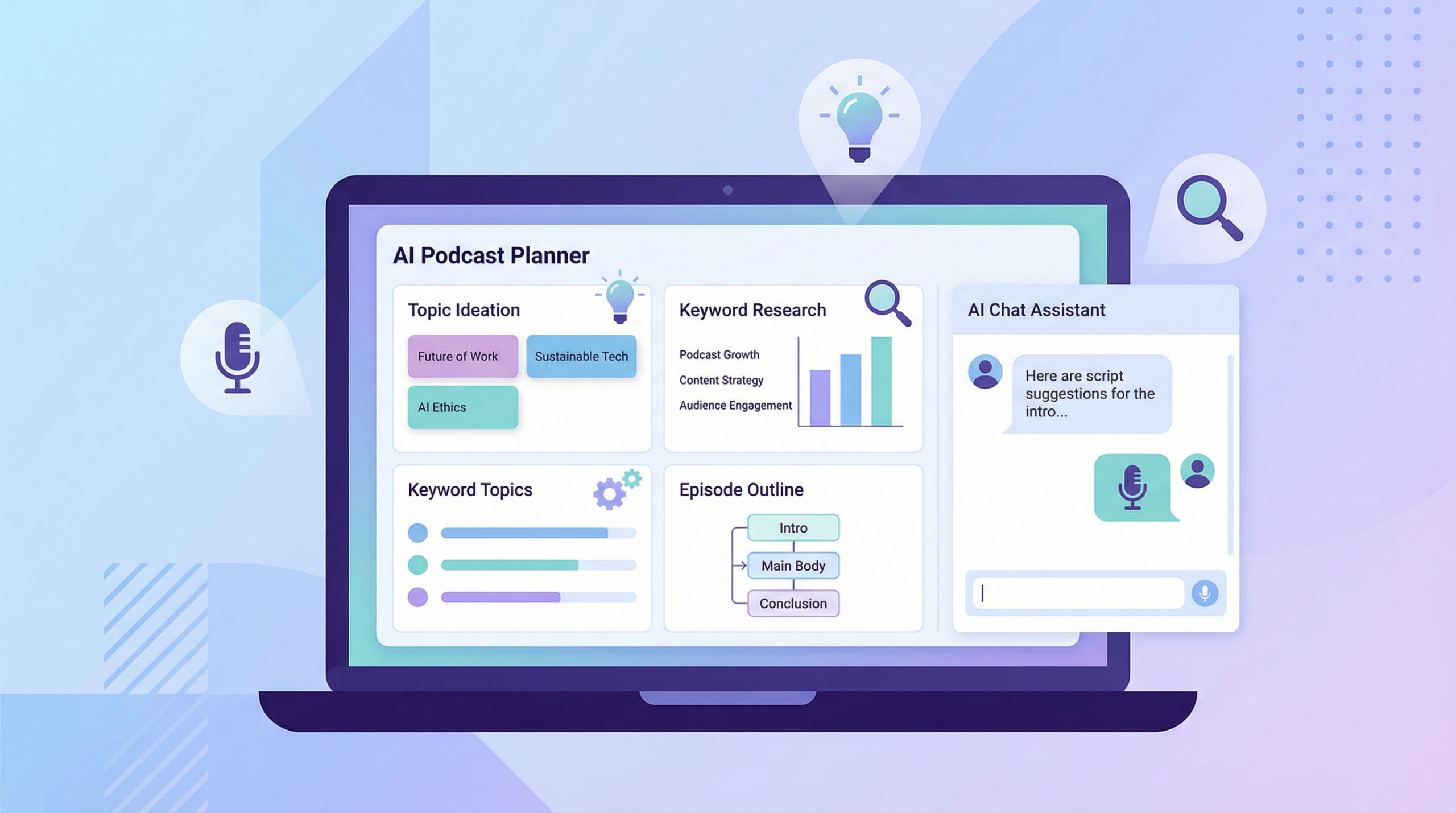
Before you ever hit record, you need to know what your audience actually wants to hear. Instead of guessing, use AI to analyze search intent and generate data-backed episode concepts.
The Workflow: To get started, use Google Gemini or ChatGPT (GPT-4o) to analyze your niche. You can prompt the AI to act as an expert podcast producer in your specific space, asking it to analyze current 2026 trends and generate high-intent episode topics that feature strong search volume but low competition. Once you have those initial ideas, take them over to Perplexity AI. This allows you to cross-reference the suggested topics against recent news articles and active Reddit discussions, ensuring your content will be both timely and highly relevant to what people are actually talking about right now.
The Tools:
- ChatGPT Plus / Claude 3.5 Sonnet: For deep brainstorming and structural outlining.
- Perplexity AI: For real-time research and fact-checking.
- Google NotebookLM: Upload your past episode transcripts and ask it to identify content gaps or recurring themes you haven’t fully explored yet.
Stage 2: Pre-Production and Guest Management
Once you have your topic, the friction usually comes from guest coordination and research. AI can automate the heavy lifting of pre-production.
Automated Guest Research
If you run an interview show, researching a guest can take hours. AI can condense this into minutes.
The Workflow: Begin by gathering your guest’s LinkedIn profile, their recent blog posts, and transcripts of other podcasts they have appeared on. Feed all of this source material directly into Claude or NotebookLM. From there, you can prompt the AI to analyze the guest’s previous interviews to identify the stories they always tell. The real value comes when you ask the AI to generate unique, contrarian questions that no one has asked them before, giving you an immediate edge as an interviewer.
Scripting and Outlining
Never read a fully AI-generated script word-for-word—it sounds robotic. Instead, use AI to build a structural outline. Ask your AI assistant to break your topic into a 3-act structure, complete with suggested time-stamps and transition cues.
The Tools:
- Podcastle (Planning tools): Great for collaborative outlining.
- Castmagic: While primarily a post-production tool, you can feed it your pre-production notes to generate a run-of-show document.
Stage 3: Production and Recording
This is where the magic happens. In 2026, recording locally on your computer and hoping for the best is no longer acceptable. You need a platform that captures studio-quality audio and video while laying the groundwork for your AI post-production.
The Video-First Recording Standard
If you aren’t recording video in 2026, you are actively stunting your growth. YouTube is the number one podcast discovery platform in the world.
The Workflow:
For remote interviews, you need a platform that records locally on both ends, bypassing internet connection issues. This is where Riverside.fm.fm dominates the market.
- Send your guest a Riverside link.
- Record in up to 4K video and uncompressed WAV audio.
- As you record, Riverside’s built-in AI is already generating a highly accurate transcript in real-time.
Disclaimer: We use and highly recommend Riverside for all remote recordings. You can try Riverside here to upgrade your remote recording quality instantly. Use promo code PODHAVEN for 20% off any individual plan.
The Tools:
- Riverside.fm: The undisputed king of remote, high-fidelity video and audio recording with integrated AI transcription.
- SquadCast (by Descript): An excellent alternative that feeds directly into the Descript ecosystem.
Stage 4: Post-Production and Editing
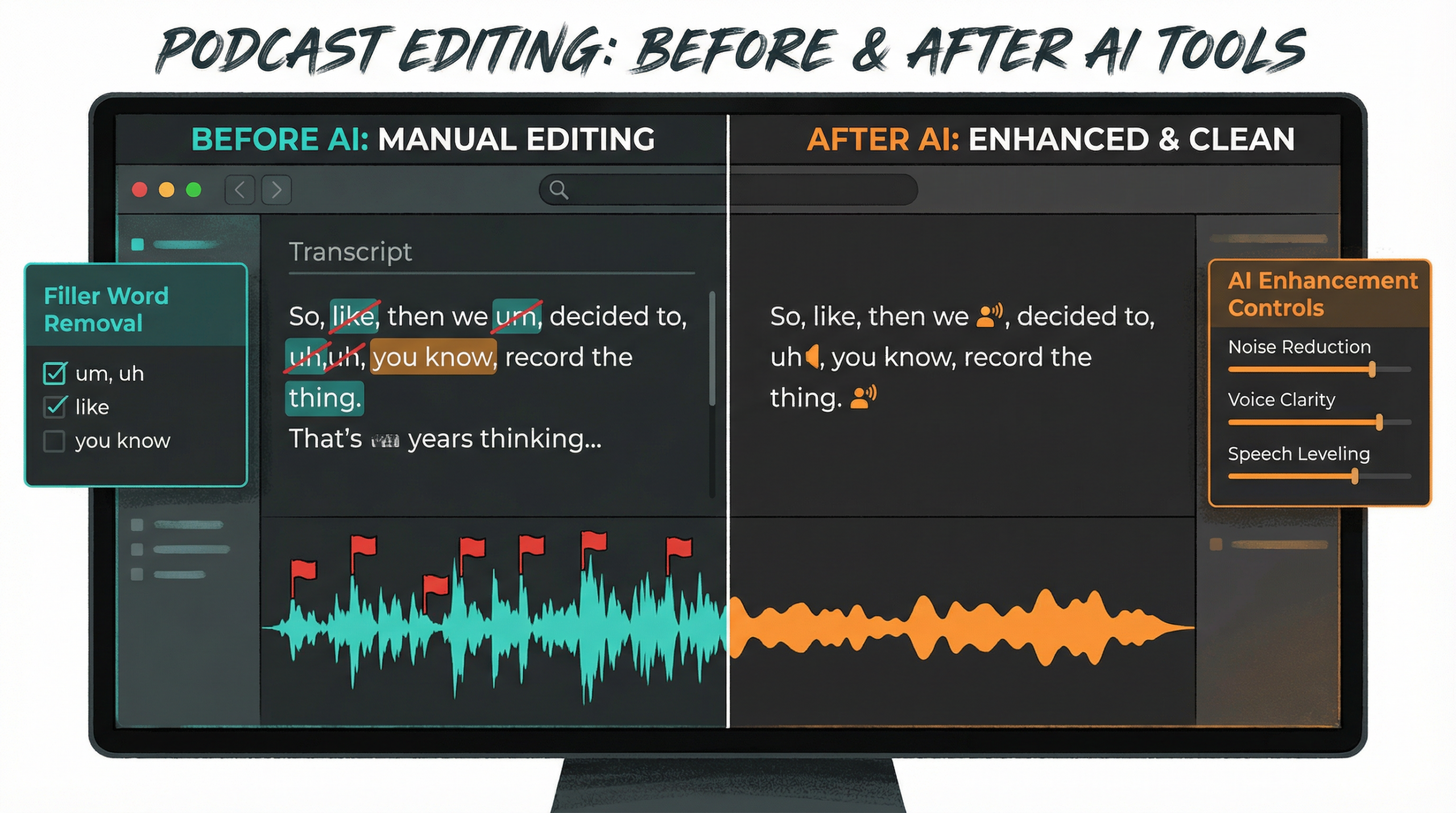
This is the stage that traditionally causes the most podcaster burnout. Editing a one-hour podcast used to take three to four hours. With an AI workflow, it takes 30 minutes.
Text-Based Editing
The days of staring at waveforms and manually cutting out “ums” and “ahs” are over.
The Workflow: The process starts by importing your raw audio and video files directly into Descript, which immediately generates a highly accurate transcript. Instead of scrubbing through a timeline, you simply read through the text and delete the words or sentences you don’t want; the underlying audio and video are automatically cut to match your text edits. To polish the final product, you can use the built-in “Remove Filler Words” feature to instantly delete every “um,” “uh,” and awkward pause with a single click, saving hours of manual trimming.
Disclaimer: Descript has completely revolutionized our internal workflow. You can check out Descript here to see how text-based editing works.
Audio Enhancement
What if your guest recorded in a tiled kitchen using laptop microphones? In the past, that audio was unusable. Today, AI can fix it.
The Workflow: When dealing with subpar audio, simply apply Descript’s Studio Sound or run the raw track through Adobe Podcast Enhance. The AI goes to work immediately, isolating the human voice while completely removing background noise and room echo. It then regenerates the missing vocal frequencies to make the final output sound as though it was recorded on a professional dynamic microphone in a fully treated acoustic studio.
Automated Multi-Cam Switching
If you record in-person with multiple cameras, editing the video used to be a nightmare. Now, tools like AutoPod (a plugin for Premiere Pro) analyze the audio tracks and automatically switch the camera angles to whoever is speaking, creating a fully edited multi-cam video in seconds.
The Tools:
- Descript: The ultimate all-in-one AI editor for text-based cutting and audio enhancement.
- Adobe Podcast Enhance: The best standalone tool for rescuing bad audio.
- AutoPod / AutoCut: Essential for automated multi-camera video switching.
Stage 5: Marketing, Repurposing, and Distribution
You have published the episode. Now you need people to listen to it. The marketing phase is where AI provides the highest return on investment by turning one piece of content into dozens of marketing assets.
Generating Show Notes and SEO Content
Writing show notes is tedious, but it is essential for SEO. Instead of spending an hour summarizing your own episode, you can let AI handle the heavy lifting. By taking your final transcript and uploading it to a specialized tool like Castmagic or Podsqueeze, you can automate the entire copywriting process. With a single click, these platforms analyze your conversation and generate time-stamped chapter markers, SEO-optimized show notes, and even a full blog post based on the episode. They will also spin out ready-to-publish LinkedIn posts, Twitter threads, and newsletter copy, giving you a week’s worth of marketing material in seconds.
Creating Viral Short-Form Video
To grow on YouTube, TikTok, and Instagram Reels, you need short-form clips—but manually hunting for the best moments is exhausting. The modern workflow relies on tools like Opus Clip or Riverside’s built-in Magic Clips feature. You simply feed the AI your full video episode, and it scans the audio for conversational hooks and high-engagement moments. It then automatically cuts those highlights into vertical videos, complete with dynamic, Alex Hormozi-style captions and emojis, ready for immediate upload.
The Tools:
- Castmagic: The absolute best tool for turning audio into written marketing assets.
- Podsqueeze: A fantastic alternative for generating show notes and social copy.
- Opus Clip: The industry standard for AI-generated vertical video clips.
- Riverside Magic Clips: Excellent if you want to keep your workflow inside one platform.
Building Your Custom AI Podcast Production Workflow
You do not need to use every tool on this list. The goal is to build a tech stack that solves your specific bottlenecks. For example, a Lean Indie Workflow might rely on ChatGPT for planning, Riverside for recording, Descript for editing, and Castmagic for marketing. This keeps costs low while maximizing output.
On the other hand, an Enterprise Video Workflow requires more horsepower. A larger team might use Perplexity and NotebookLM for deep research, record in-studio with a multi-cam setup, edit using Premiere Pro paired with AutoPod for automatic camera switching, and rely on Opus Clip and Castmagic to fuel a massive content distribution engine.
The AI podcast production workflow is not about being lazy; it is about being efficient. By automating the repetitive tasks, you free up your mental energy to focus on what actually matters: having great conversations and building a connection with your audience. Embrace these tools in 2026, and watch your podcast grow faster than ever before.